Channel Automation Logo
Channel Automation
Engineering Update
Apr 20, 2026 - Apr 27, 2026
01
Headline ReleaseDynamic AI Agents (1/2)

Multiple specialized agents per workspace, auto-routed by lead status.

Workspaces can now run New Lead, Rehash, No-show Recovery, Reschedule, or other dedicated AI agents in parallel.

  • Each agent has its own prompt, persona, and qualifying questions.
  • Routing rules combine lead status, active sequence, appointment recency, and opt-in state with AND/OR logic.
  • Higher-priority agents win when multiple rules match.
  • New Routing tab adds a visual condition builder and workspace default catch-all toggle.
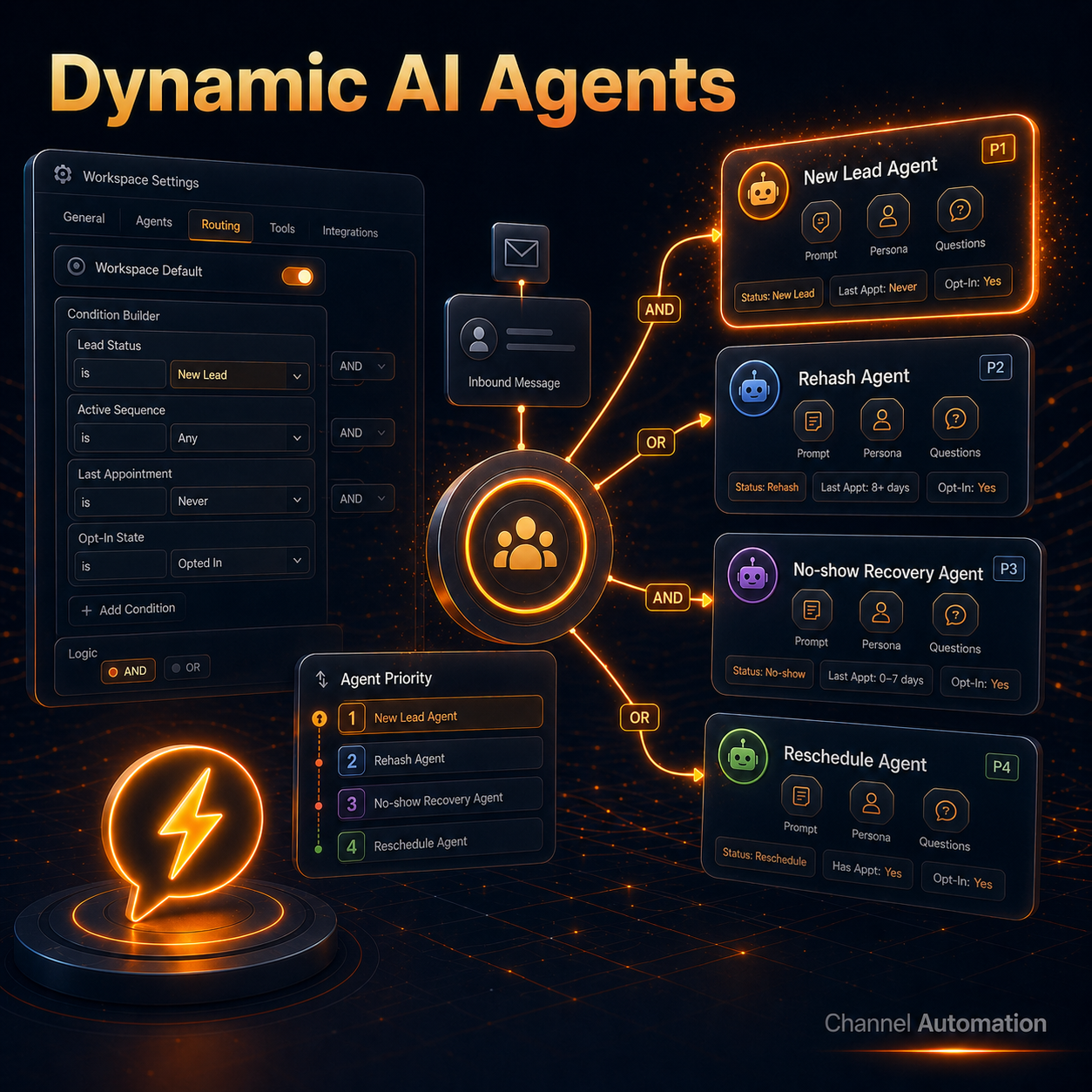
Dynamic AI Agents Routing
02
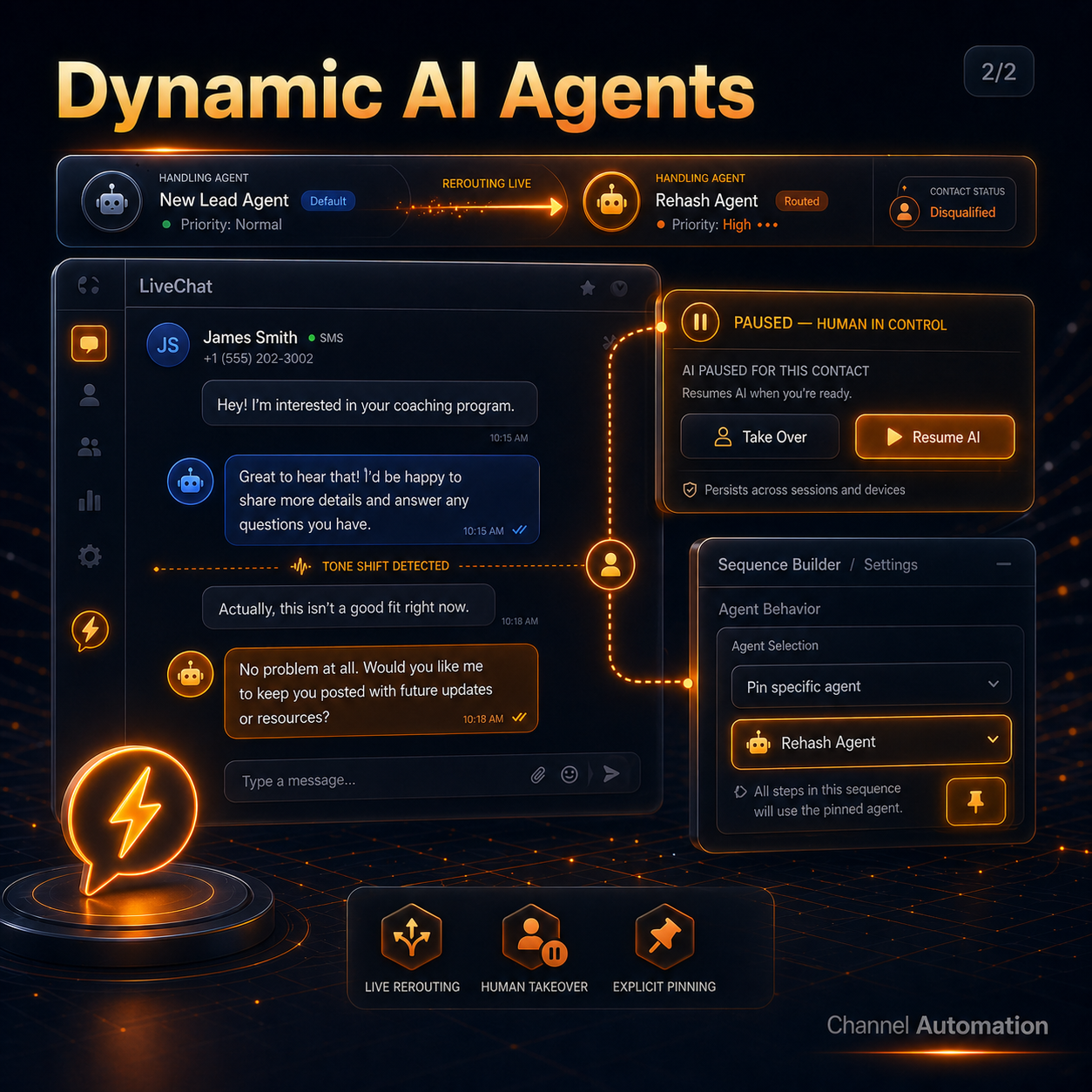
Headline ReleaseDynamic AI Agents (2/2)

The right specialist answers as the contact moves through the funnel.

Routing re-evaluates on every inbound, so a New Lead can become Rehash and get a different tone on the very next reply.

  • LiveChat banner shows the current agent, routing type, and priority level in real time.
  • Take Over pauses AI per contact, survives page loads, and offers Resume AI when ready.
  • Sequence Builder can pin a specific agent for explicit assignment workflows.
  • Existing single-agent workspaces remain unchanged as the default catch-all.
Dynamic AI Agents LiveChat
03
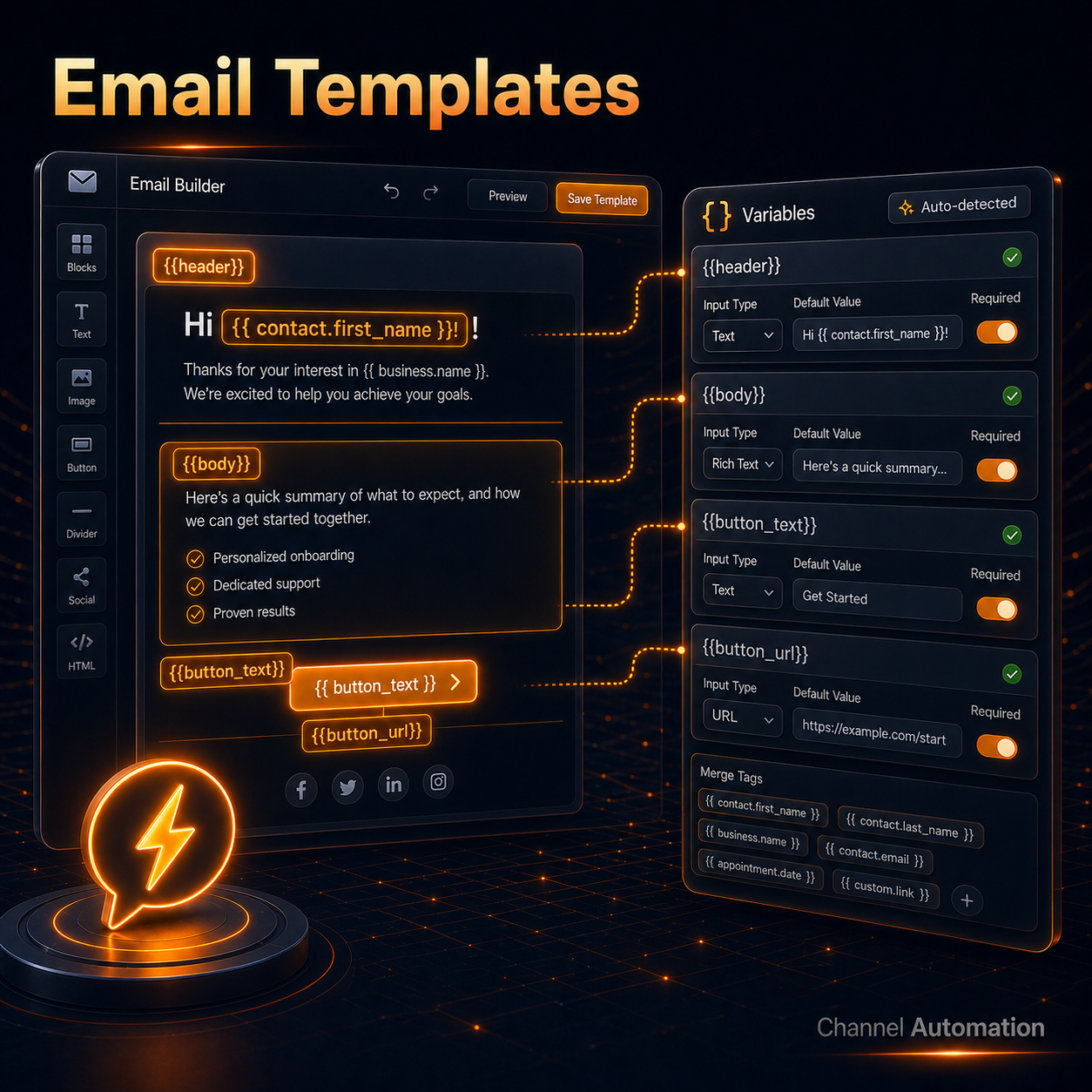
Special FeatureEmail Templates (1/2)

Design once, fill named slots per send.

Email Builder now supports reusable variable slots like {{header}}, {{body}}, {{button_text}}, and {{button_url}} inside one polished template.

  • Variables button auto-detects every slot in the template.
  • Each slot can be labeled, typed, defaulted, and marked required.
  • Supported input types include short text, long text, URL, and rich HTML.
  • Contact merge tags compose inside slot values, so personalization still works per contact.
Email Templates Variable Slots
04
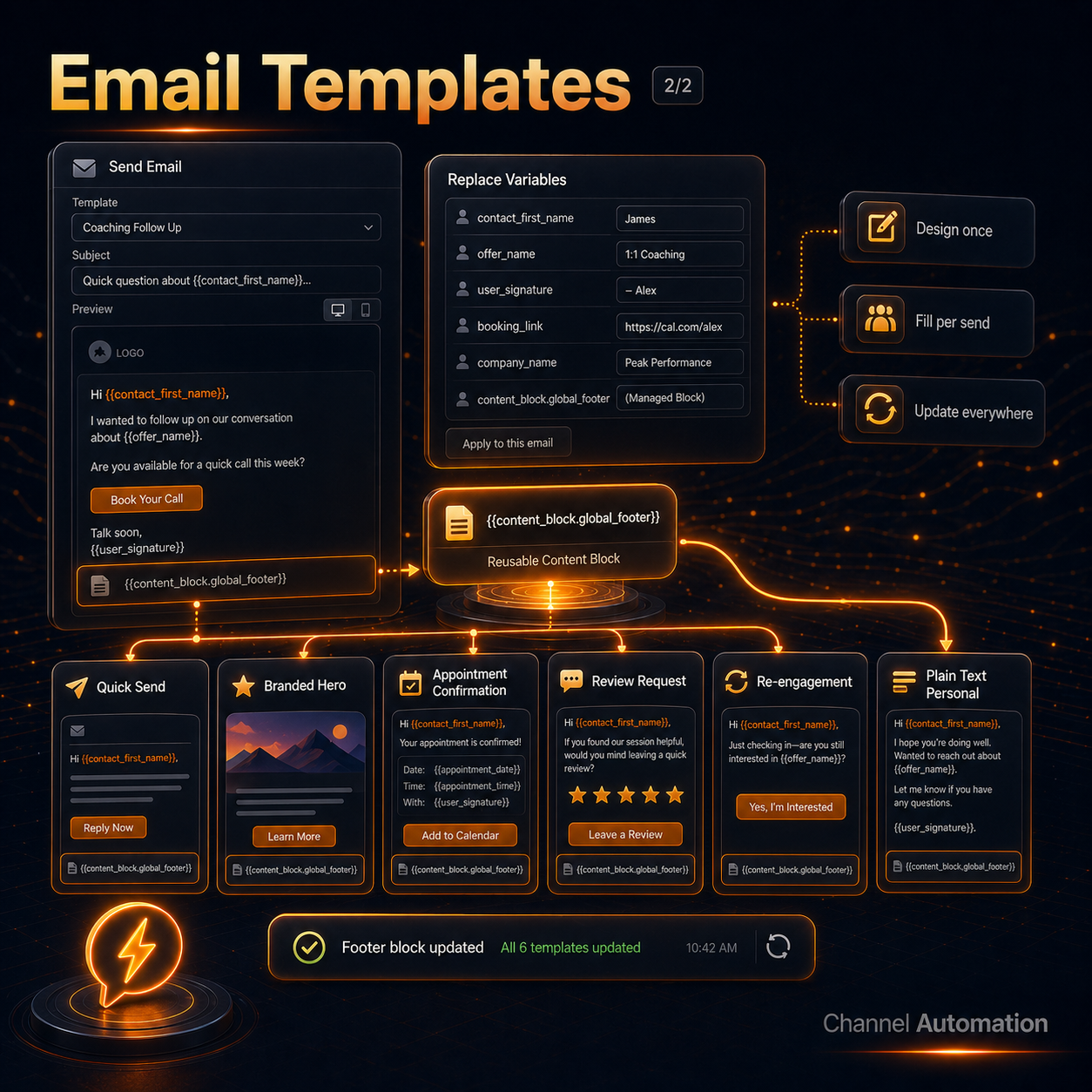
Special FeatureEmail Templates (2/2)

One template becomes unlimited campaign variations.

Send Email steps now show a Replace Variables panel with one labeled input per slot in both Flow Builder and Sequence Builder.

  • Reusable content blocks like {{content_block.global_footer}} update everywhere on the next send.
  • Six starter templates ship in every workspace: Quick Send, Branded Hero, Appointment Confirmation, Review Request, Re-engagement, and Plain Text Personal.
  • Non-designers can run campaigns safely without breaking layout.
  • Auto-seeded for new workspaces and backward compatible with existing templates and workflows.
Email Templates Content Blocks
05
Flow BuilderDynamic Sender

Route future SMS through the right configured sender number.

Flow Builder now includes a new "Set Sender Number" action. Pick any configured sender number and the contact's future SMS will continue through that line.

  • Shift contacts mid-flow from a new-lead line to a rehash or branded number.
  • Keep the same journey intact without duplicating sequences.
  • Let routing intent live inside the automation instead of requiring flow edits later.
  • Give teams cleaner handoffs for follow-up, nurture, and branded outreach.
Dynamic Sender Flow Builder
06
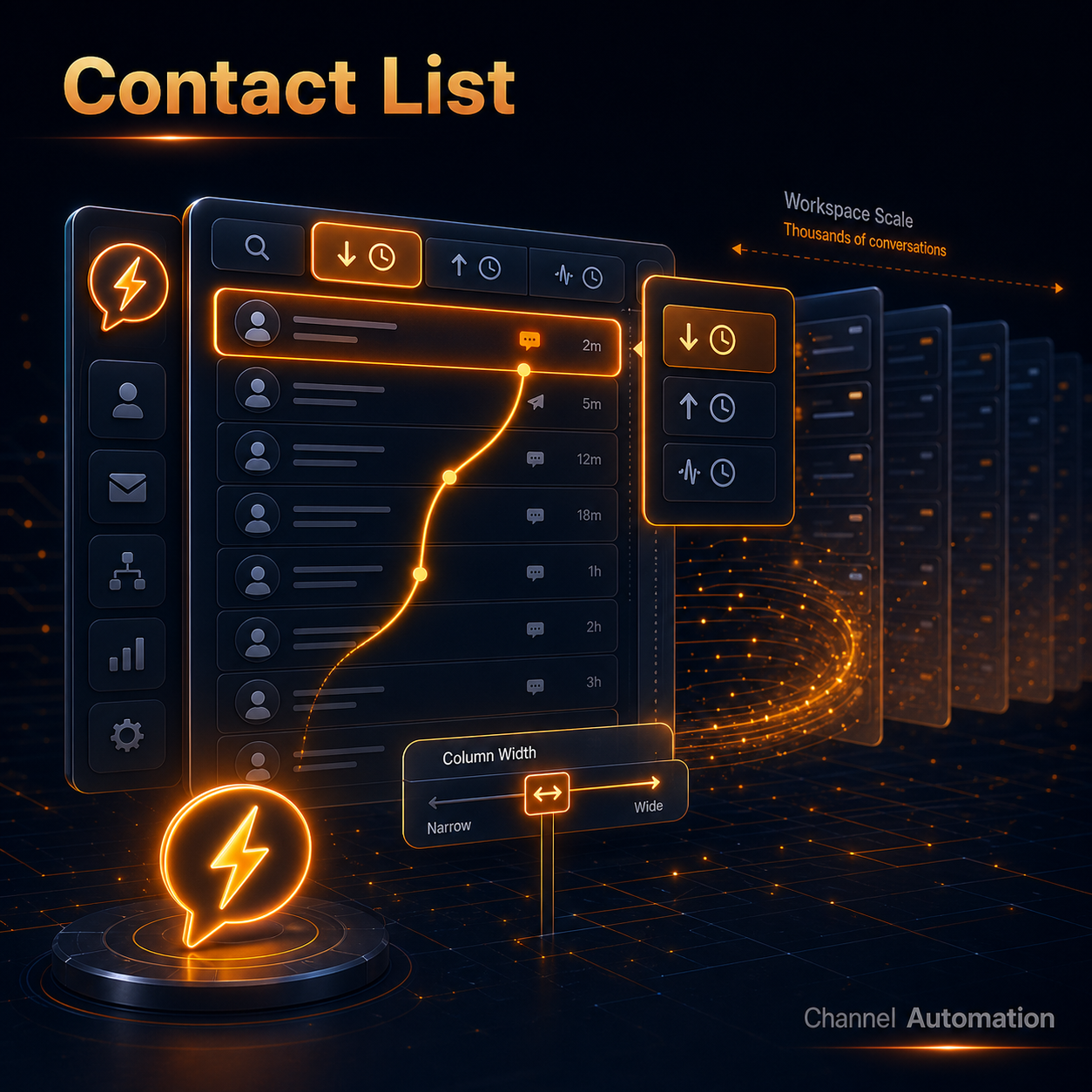
Contact ListLatest activity is finally global

Big inboxes now sort by the actual latest conversation, not just loaded rows.

Latest Inbound, Latest Outbound, and Latest Activity now consider the entire inbox across large workspaces.

  • Thousands of conversations can surface the genuinely newest reply at the top.
  • Stops stale contacts from appearing first just because they were loaded earlier.
  • Resizable contact list column gives agents a cleaner workspace fit.
  • Column width now adjusts from 240px to 480px for compact or detail-heavy views.
Contact List Accuracy
07
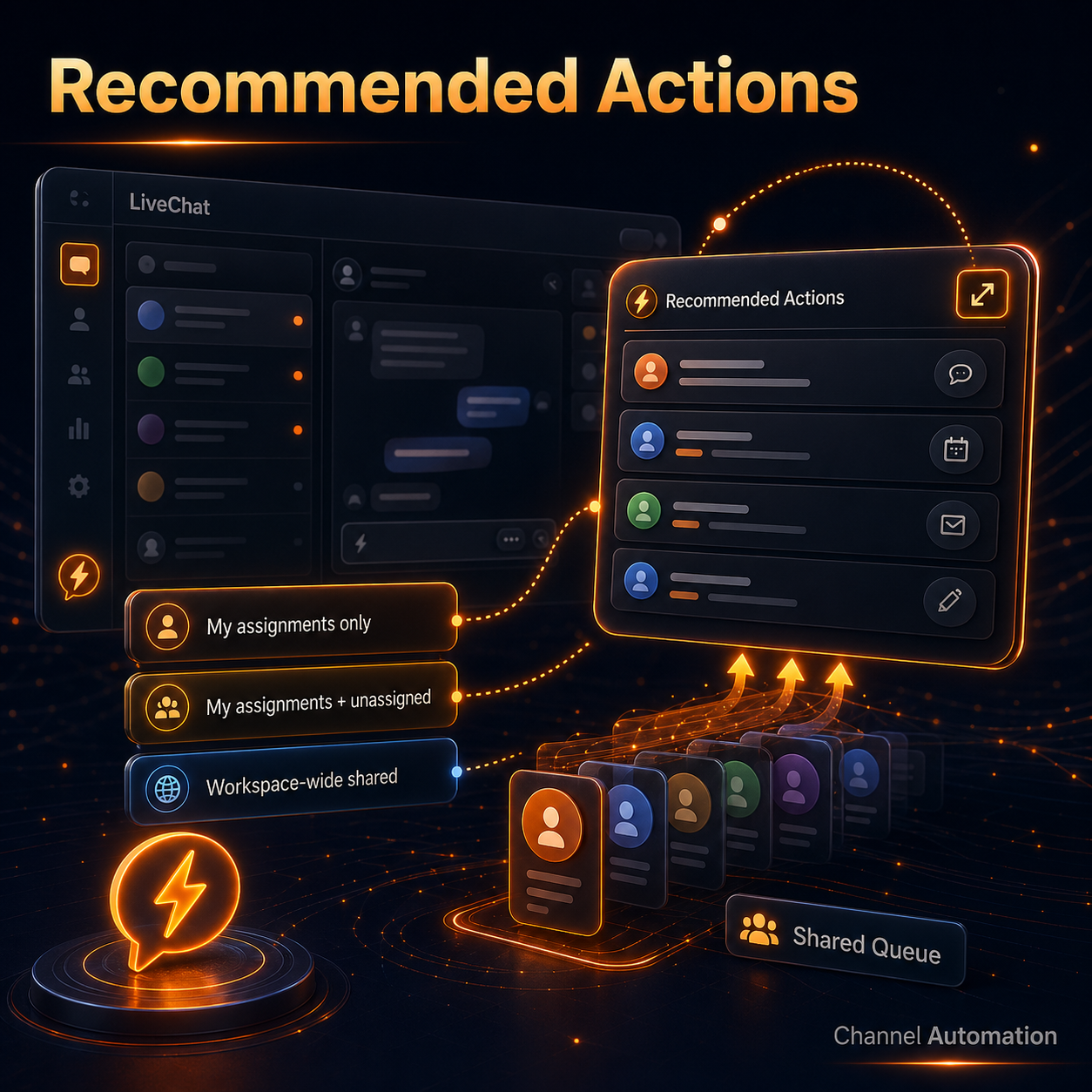
Recommended ActionsFloating window + scoped queues

Keep the action queue visible while working across LiveChat.

A new pop-out button detaches Recommended Actions into a floating window that stays available as agents move around.

  • Admins can scope visibility to My assignments only.
  • Team-coverage workspaces can include My assignments + unassigned.
  • Workspace-wide shared mode lets everyone act on the same queue.
  • Unassigned contacts no longer get stranded outside the team's operating view.
Recommended Actions Pop Out
08
AI Appointment SetterAI Function Test tab

Debug AI tool calls without waiting for a real contact to reply.

Settings now includes a VAPI-style test harness that runs real function calls against a contact ID.

  • Runs executeAIFunctionCall end-to-end with validated arguments.
  • Shows inspectable results immediately after the test completes.
  • Surfaces the Trigger.dev run ID for deeper trace debugging.
  • Cuts setup loops from live-message waiting to a single Run click.
AI Function Test Tab
09
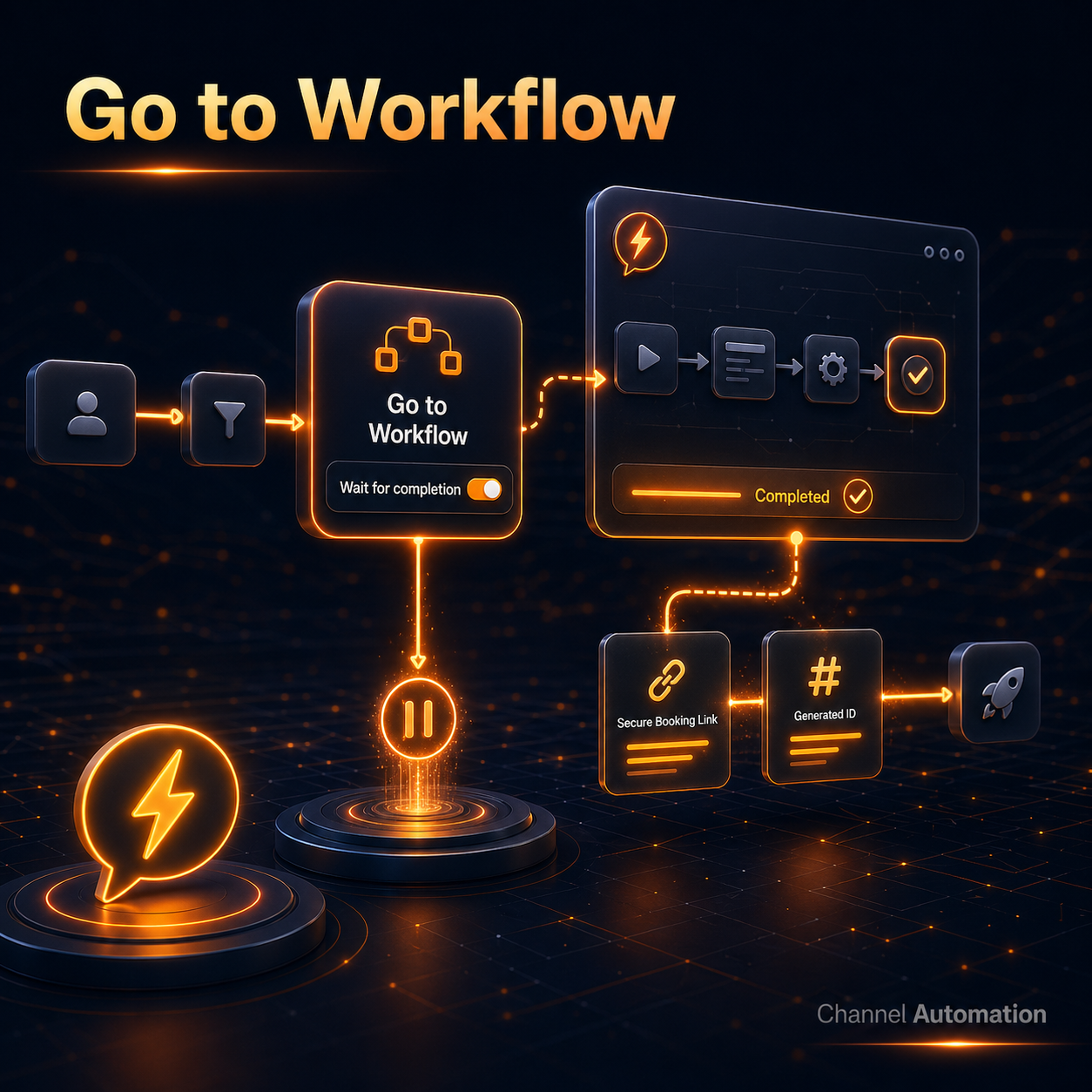
Workflow ExecutionWait for completion

Dependent steps now wait for the workflow that creates their data.

The Go to Workflow action has a new option that pauses the current flow until the target workflow finishes.

  • Downstream steps can rely on fields written by the target workflow.
  • Encrypted booking links, generated IDs, and similar values are ready when needed.
  • Flow authors can chain workflows without brittle timing assumptions.
  • Complex handoffs become explicit instead of racing ahead.
Go to Workflow Wait for Completion
10
Apr 20, 2026 - Apr 27, 2026Weekly Feature Recap
67
Total Updates
26
Features
21
Bug Fixes
20
Other

Highlighted Updates:

  • Dynamic AI Agents: Multiple specialized agents per workspace with lead-status routing, priority rules, LiveChat banners, and human takeover.
  • Email Templates: Reusable variable slots, content blocks, starter templates, and send-time replacement panels.
  • Dynamic Sender: New "Set Sender Number" action for routing future SMS through the right configured sender line.
  • Contact List: Latest sorting now considers the entire inbox, with a resizable 240-480px column.
  • Recommended Actions: Pop-out floating window plus admin controls for assignment and shared-queue visibility.
  • AI Function Test: Contact-ID test harness for real executeAIFunctionCall runs and Trigger.dev trace IDs.
  • Go to Workflow: Wait for completion option pauses the current flow until the target workflow finishes.
Questions?
We'll stick around for 5 minutes.
05:00