Channel Automation Logo
Channel Automation
Engineering Update
Mar 16, 2026 - Mar 23, 2026
01
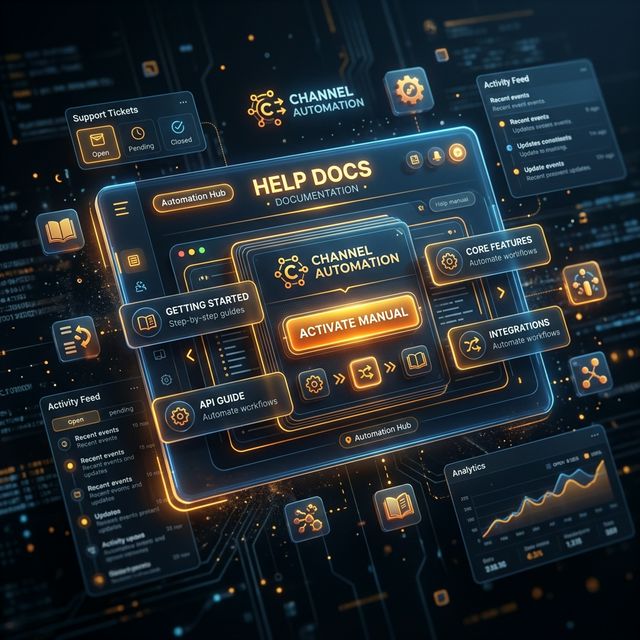
New ReleaseHelp Docs

In-app documentation button

Documentation is now seamlessly accessible right from the top navigation.

  • Your team can find answers without leaving the platform.
  • Diminishes the need for constantly messaging teammates for basic platform help.
  • Contextual onboarding available directly when you need it.
Help Docs
02
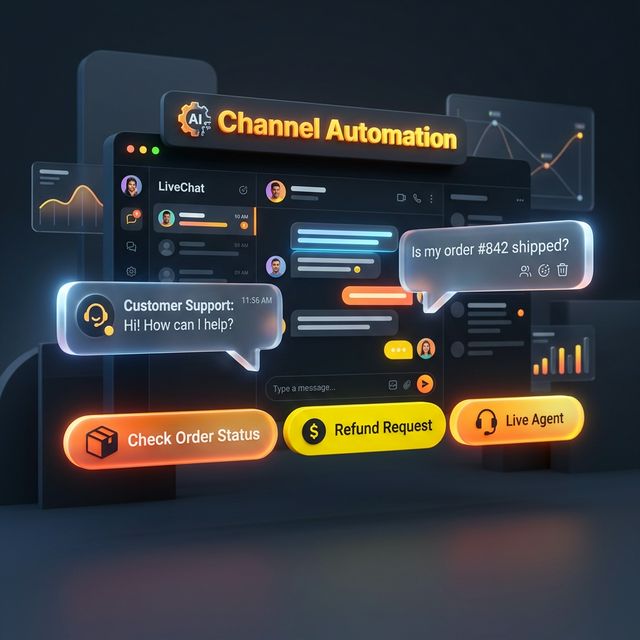
New ReleaseLiveChat Action Chips

Contextual 'Reply?' and 'Follow up?' prompts

LiveChat just got a lot smarter regarding pending conversations.

  • Action chips appear directly on contact list items based on conversation state.
  • Click to jump straight in and handle the conversation immediately.
  • Provides instant awareness of interaction opportunities.
LiveChat Action Chips
03
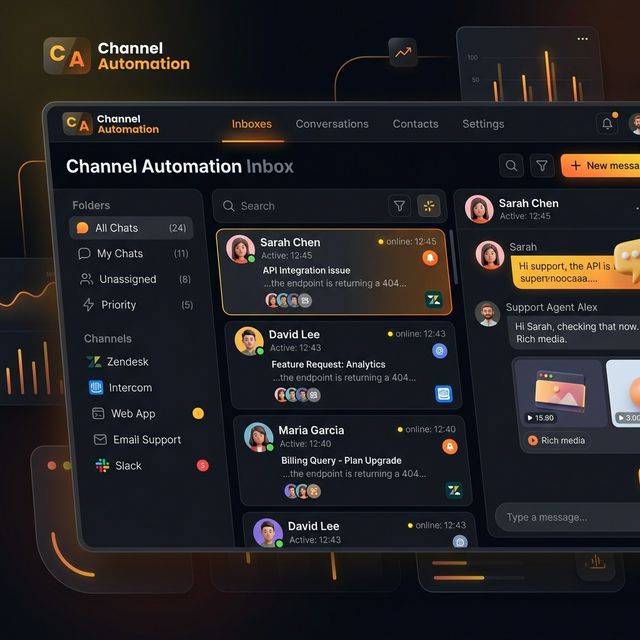
New ReleaseLiveChat Open Conversations Default

Cleaner inbox, less noise, better focus

LiveChat has a new default behavior logic.

  • LiveChat now defaults exclusively to Open conversations for all users.
  • Eliminates visual clutter and focuses agent attention entirely on unresolved chats.
LiveChat Open Conversations
04
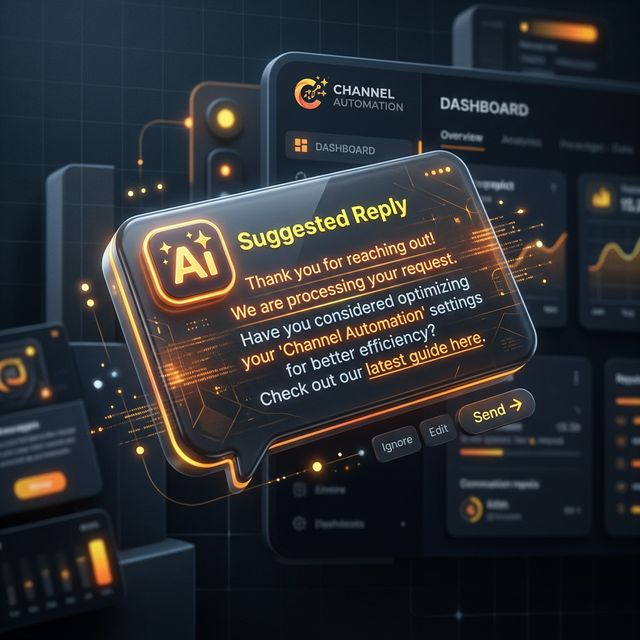
New ReleaseInline Reply Suggestions

AI-generated reply chips directly in-feed

Expedite response times on common repetitive inquiries.

  • Smart suggested reply chips appear seamlessly under inbound messages.
  • Tap to draft a highly relevant response instantly without starting from a blank box.
Inline Reply Suggestions
05
New ReleaseStar Rating for Support Tickets

Client satisfaction scoring system

We are officially empowering tracking of real-world support ticket satisfaction.

  • Clients can rate their overall support experience completely in-app.
  • Simple 1–5 stars scoring element directly inside the ticket panel.
  • Captures data right after a ticket is marked resolved to ensure freshness.
Star Rating
06
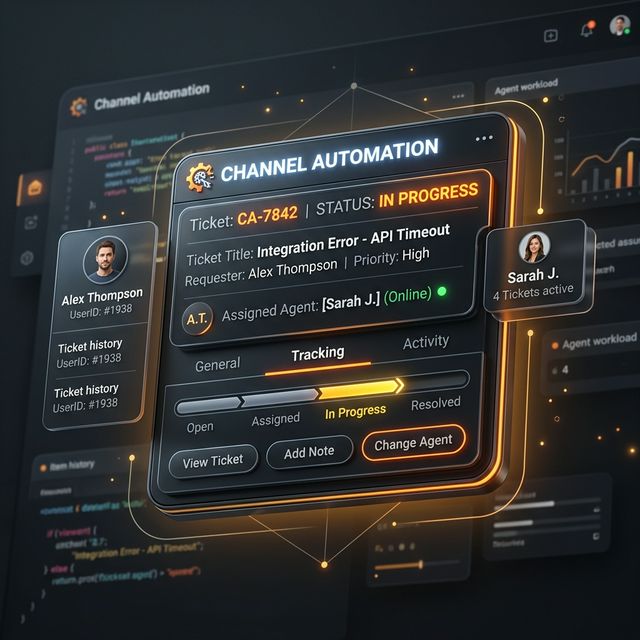
New ReleaseSupport Tickets Widget in-app

Submit, assign, and track tickets natively

Streamlining client issue management without requiring them to jump windows.

  • Clients submit Bug, Question, or Other tickets directly in-app via the new widget.
  • Auto-assigns smoothly to today's on-call designated agent from your team's weekly roster.
Support Tickets Widget
07
New ReleaseTicket Resolution Notifications

Auto-alert clients on ticket updates

Close the loop and satisfy users with transparent reporting.

  • Clients get an in-app toast notification and supplementary email.
  • Alert triggers the exact moment their ticket is successfully resolved.
  • Closes the loop automatically without manual agent follow-up.
Ticket Notifications
08
New ReleaseDate Operators for Conditions

Date-based automation targeting rules

Advanced date filtration rules have been integrated into targeting.

  • Filter contacts by date logic including "is today", "before today", "after today", and "within X days".
  • Successfully unlocks completely time-sensitive automations that weren't possible before.
Date Operators
09
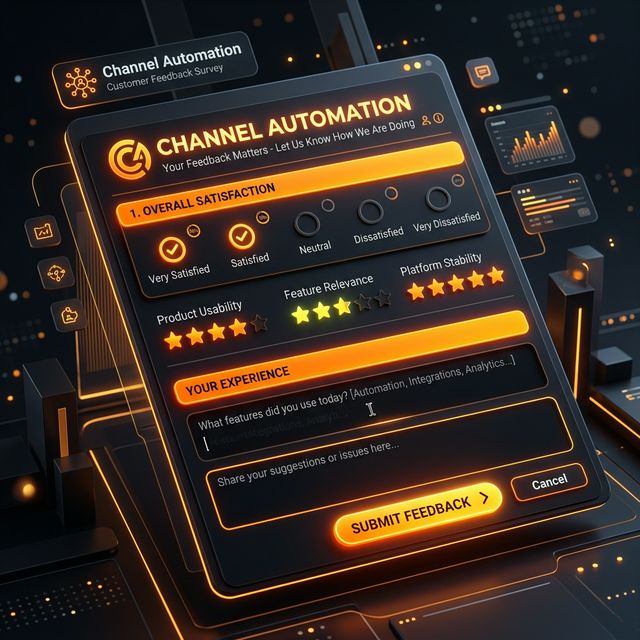
New ReleaseUser Satisfaction Survey

Product feedback collection built-in

We've implemented a robust new survey flow targeting fresh interactions.

  • A quick 9-question survey pleasantly slides up natively after 3+ days of use.
  • Captures feedback, feature requests, and identifies users interested in more coaching.
Satisfaction Survey
10
New ReleaseEmail Notifications Matrix

Daily recommendations and appointment alerts

Taking crucial data out of the dashboard directly into team inboxes.

  • Daily 8am contact recommendations digest emailed out per agent.
  • Instant appointment booking alerts effectively broadcast to the whole team the exact moment a prospect securely books.
Email Notifications
11
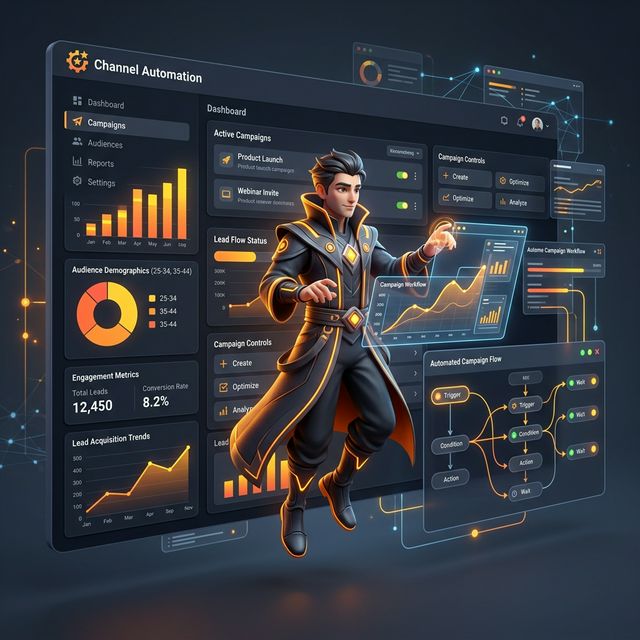
New ReleaseAI Campaign Creator

Smart Audience Intelligence visualization

A major quality-of-life update for the core campaign building wizard.

  • The campaign creation screen now actively displays real-time audience distributions.
  • Shows your specific audience data, state charts, and past conversion insights natively.
  • Reduces friction by supplying critical historical data before you even build the first step.
AI Campaign Creator
12
New ReleaseAutomation Template System

Package, share, and install flows effortlessly

The highly requested cross-workspace installation flow is here.

  • Package complex flows and full automation sequences securely into shareable bundles.
  • Run a robust 1-click install into any workspace across the platform.
  • All internal IDs, conditions, and variable mappings are automatically remapped to preventing breaking.
Automation Template System
13
Mar 16, 2026 - Mar 23, 2026Weekly Feature Recap
46
Updates
15
Features
25
Bug Fixes
6
Other

Highlighted Updates:

  • In-app Help Documentation
  • LiveChat Context Chips & Open Default
  • Inline AI Reply Suggestions
  • Support Ticket Widget + Ratings
  • Date Operators for Contact Conditions
  • Automation Template Installation System
View all updates on our full Changelog →
Questions?
We'll stick around for 5 minutes.
05:00