Channel Automation Logo
Channel Automation
Engineering Update
Mar 9, 2026 - Mar 16, 2026
01
New ReleaseAllison — Voice AI (1/2)

Your Personal Voice AI Assistant

She briefs your daily workflow:

  • Reads daily recommendations: who to reply to, who's cold, clickers, high intent.
  • Summarizes dashboard numbers and team workload instantly.
  • Knows schedule details and recent agent/customer conversation contexts.

She takes action by voice (13 total tools):

  • Create to-dos, set reminders, assign contacts, tag contacts.
  • Send SMS/emails, make outbound calls, and close out conversations.

📋 Allison Demo Guide
Allison Voice AI
02
New ReleaseAllison — Voice AI (2/2)

Feedback & Under the Hood

Frictionless product improvement & UI joy:

  • Actions trigger confetti; dock bar glows purple when active.
  • Conversationally solicits, summarizes, and submits agent feature requests & bugs.

Technical Architecture:

  • WebRTC direct to OpenAI for ultra-low latency response times.
  • Executes through existing frontend action APIs (no major backend rewrite).
  • All sessions are logged for future usage-based billing and analytics.
Allison Voice AI
03
New ReleaseAgent Pulse (1/2)

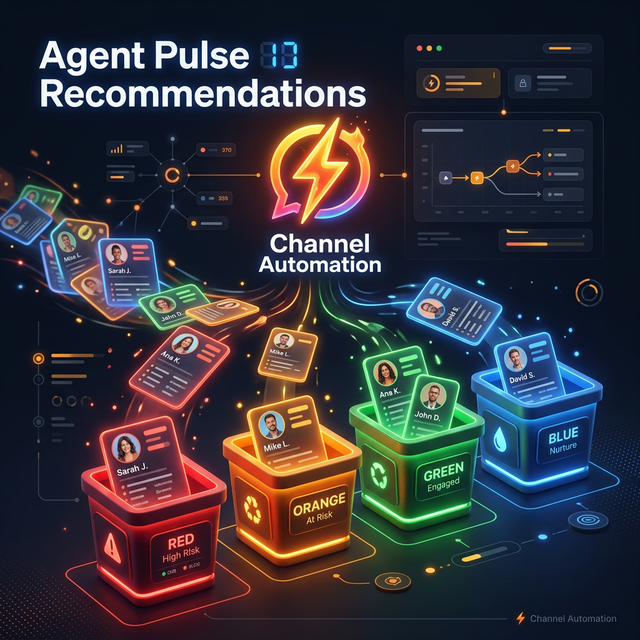
Smart Call-to-Action Buckets

Scans history and engagement to tell you exactly who needs attention right now.

  • Respond Now (Red): Waiting on you. Most recent message is inbound. Sorted by unread count and wait time. Your #1 priority to keep them warm.
  • Re-Engage (Orange): Going silent. We messaged them (24h to 7d ago) but they haven't replied. A well-timed follow-up revives the chat.
📋 Agent Pulse SOP
Agent Pulse Recommendations
04
New ReleaseAgent Pulse (2/2)

Tracking Buying Intent

Maximum 50 contacts per bucket, refreshing every 2 minutes automatically.

  • Clicked Link (Green): Clicked a tracked SMS/email link within last 7 days. These contacts are actively evaluating right now.
  • High Intent (Blue): Strong engagement patterns (4+ exchanges, email opens, clicks, or score) without falling into other buckets. Highly likely to convert.
Agent Pulse Recommendations
05
New ReleaseAgent Presence

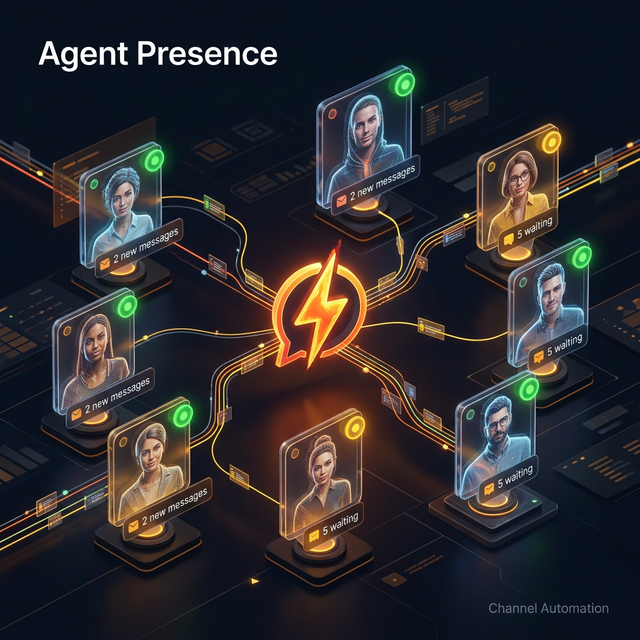
Capacity Management

  • Real-time visibility into which agents are online.
  • Instantly view current status (Available, Busy, Away).
  • See how many active conversations each agent is actively handling.
  • Balance workload efficiently and know who is free to take new contacts.
Agent Presence
06
New ReleaseOperations Board

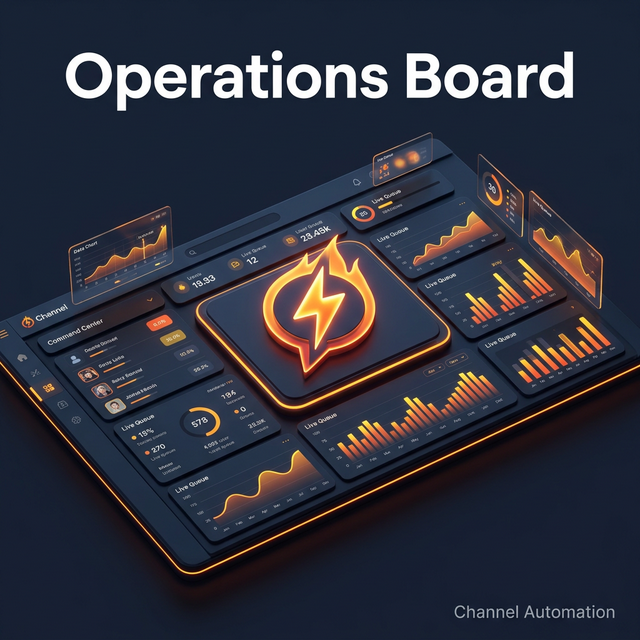
Centralized Command

  • A single, unified dashboard for managing day-to-day operations.
  • Track team performance and output efficiently.
  • Monitor active conversation queues continuously.
  • Oversee agent assignments globally across the entire workspace in one view.
Operations Board
07
New ReleaseMy Contacts Tab

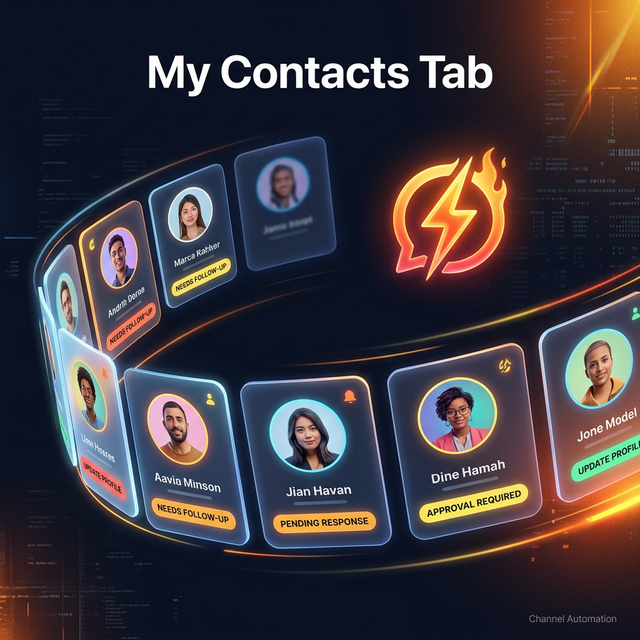
Dedicated Agent View

  • A focused tab showing only the contacts assigned to the logged-in agent.
  • Displays the last message, activity status, and lead status clearly.
  • Features a brand new Recommendation column alerting you instantly to priorities (Respond Now, Re-Engage, Clicked Link, High Intent).
My Contacts Tab
08
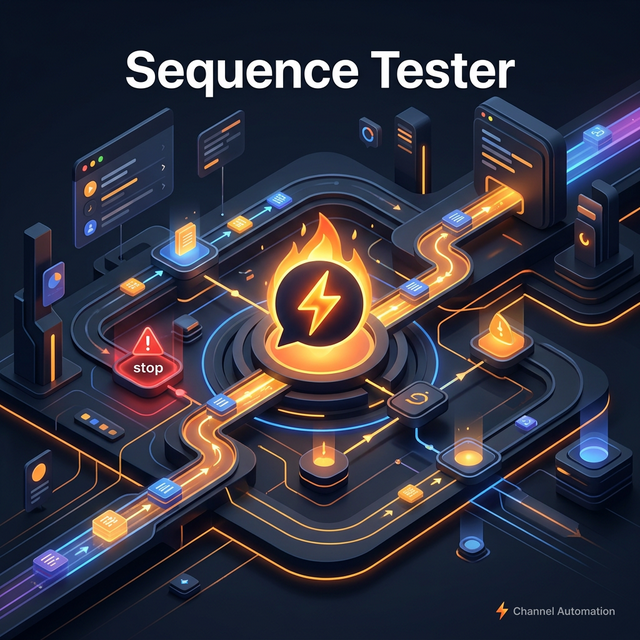
New ReleaseSequence Tester

Flawless Automations

  • Preview and completely validate automation sequences prior to real enrollment.
  • Accurately simulates the full flow including messages, time delays, and complex conditions.
  • Catch logical errors and verify content safely without blasting live messages to contacts.
Sequence Tester
09
Mar 9, 2026 - Mar 16, 2026Weekly Feature Recap
57
Updates
25
Features
24
Bug Fixes
8
Other

Highlighted Updates:

  • Allison — Personal Voice AI Assistant
  • Smart Recommendations (Agent Pulse)
  • Agent Presence & Capacity Management
  • Global Operations Board Dashboard
  • Dedicated My Contacts Tab
  • Complete Automation Sequence Tester
View all updates on our full Changelog →
Questions?
We'll stick around for 5 minutes.
05:00